Photoshop Projects
These are my favorite projects made in Adobe Photoshop.
This assignment was to create a Cinemagraph by masking out part of the video and leaving the rest as a still image. I found a video and chose to mask the sky since it had the most interesting amount of movement. I did this by using the video timeframe within Photoshop.
This assignment was to make a quick commercial ad for a travel agency using furnished videos, I decided on what text would be in the video along with putting in the fade to white and the fade to and from the logo of the company I chose.

This was a digital painting made in Photoshop that I turned into a Petco ad for Christmas shopping.

This was a holiday card I designed, I kept it fairly simple only using blue and white images and masking the images to be able to blend them together before adding the text on top.
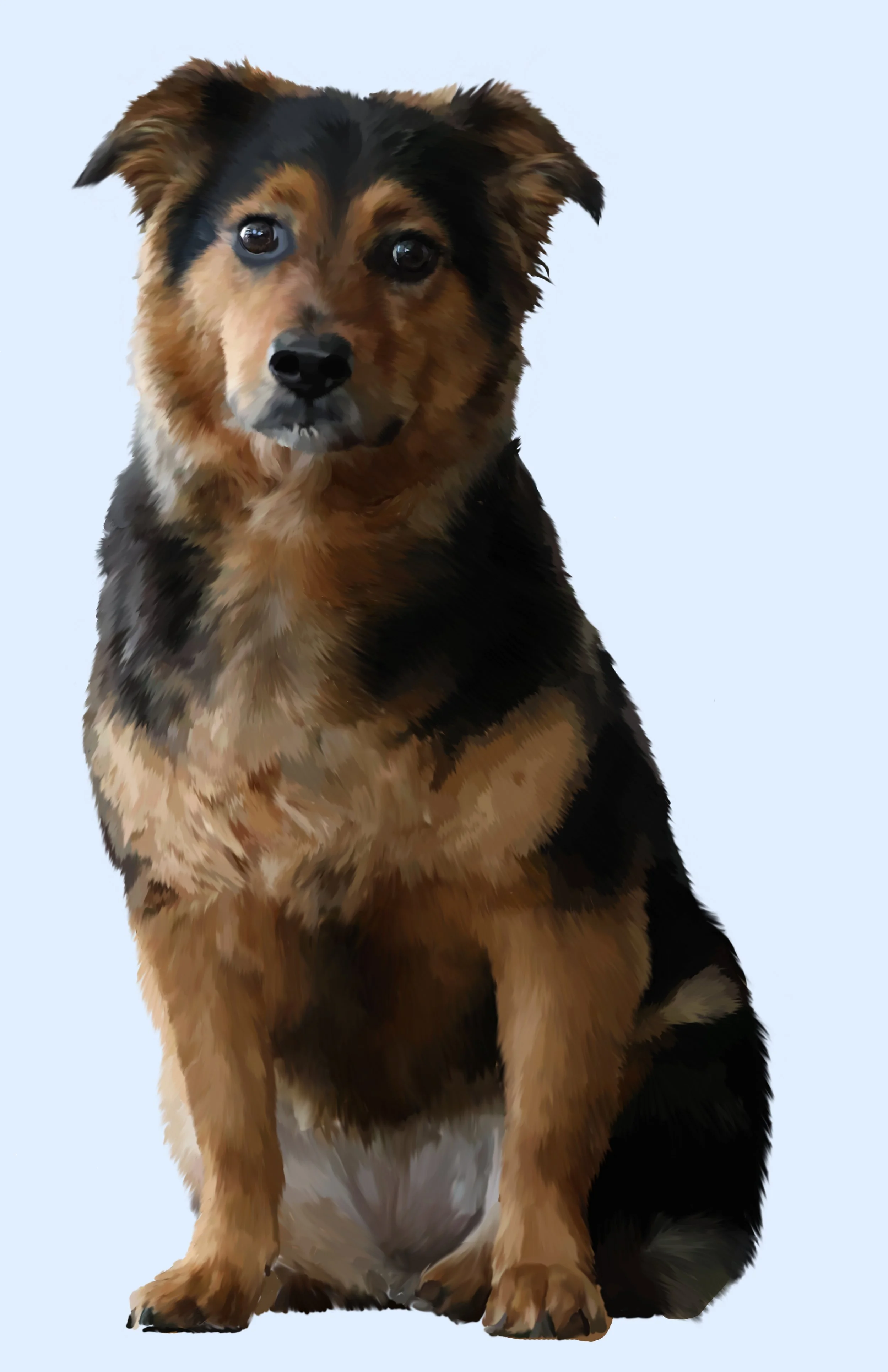
This is a painting done in Photoshop of my dog, I took the picture myself using my digital camera and put it into photoshop and used tools within the app to turn it into a painting.
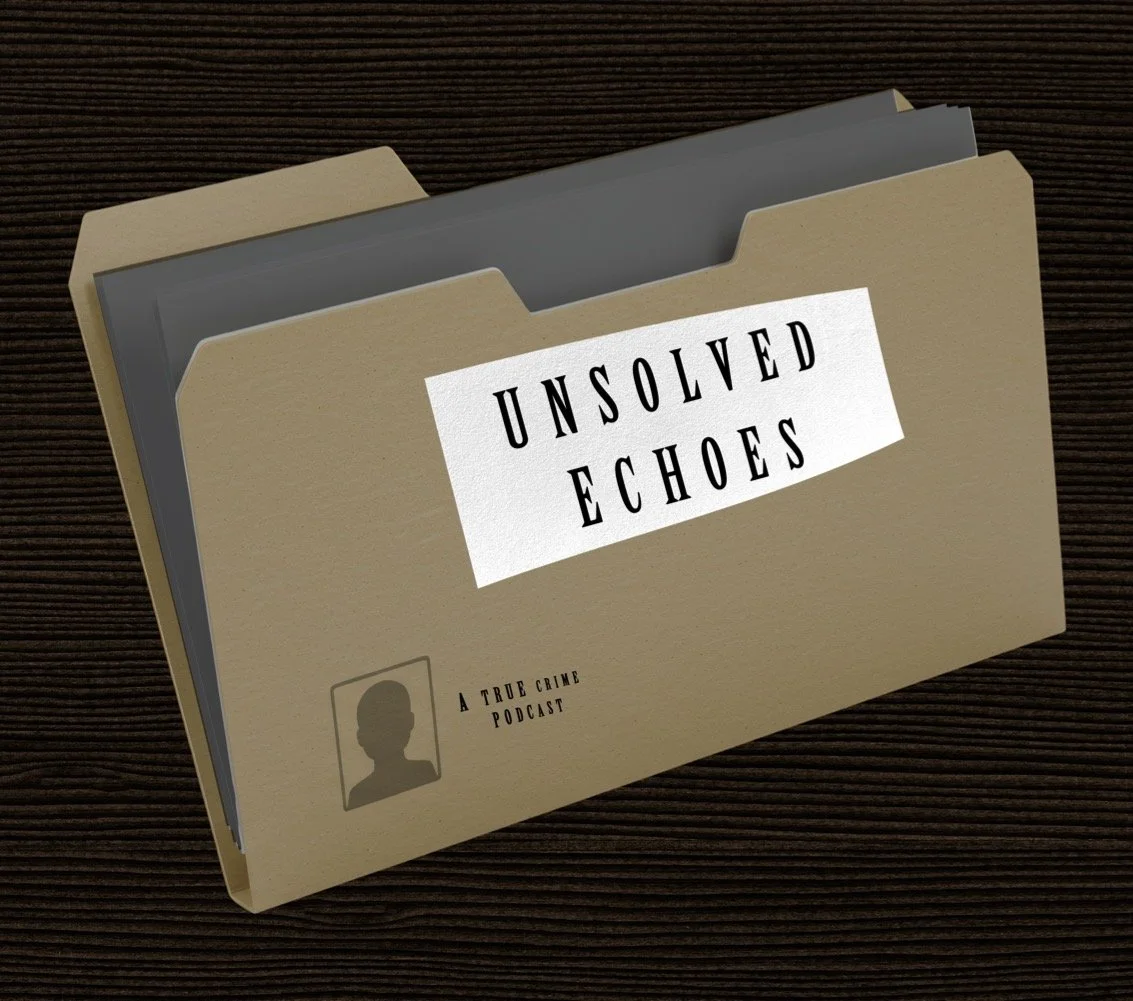
I designed this to be a streaming tile for a true crime podcast, it is basically the thumbnail photo to get you to watch it.
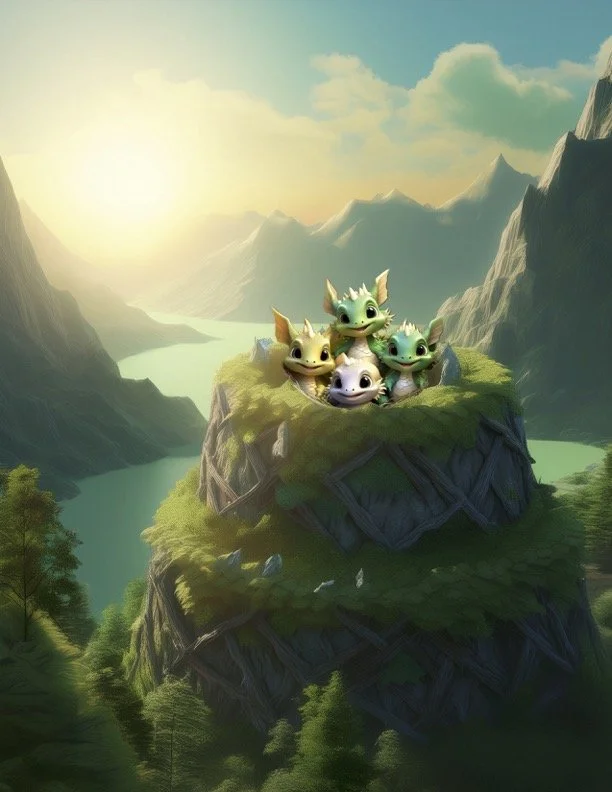
This was an assignment to use AI generated images to make a fun looking “photo”.
This assignment was to create a Ken Burns style animation using zoom and panning. I sourced 7 images and adjusted the hue and saturation so they all matched as they switched from one image to another. I did this by using the video timeframe and the hue/saturation adjustments within Photoshop.
This assignment was to make a quick commercial ad for a product or brand using images found online. I chose to do the brand Stanley and use images I found online to advertise the different bottles they have along with some of the different bottle colors. I did this using the video timeline in Photoshop.
This assignment was to create a short video ad to put on social media. I created a travel ad for Hawaii by finding a video of a beach with waves and fish, then I turned a scene of the video into an image, masked out part of the image and let the part with the waves play through. I did this by using the video timeframe and the hue/saturation adjustments within Photoshop.
This assignment was to make a parallax animation using two images, one on top of another. I made the parallax by masking out an image and using tools within Photoshop to extend the part of the image I was using for the back piece of this so that it didn’t show above the masked part of the image. I then moved the back part of the image to make it seem like the camera angle was shifting. I created this using the video timeline in Adobe Photoshop.